If you’ve been using AI coding tools like Claude Code, Cursor, or GitHub Copilot, you’ve probably started connecting them to MCP servers. One server for your database, another for your docs, maybe one for your company’s internal APIs. It works great — until you have five or six servers configured, each tool needs its own copy of the configuration, and every server connection is sitting open whether you’re using it or not.
That’s the problem I set out to solve with mcp-aggregator.
The Problem with Many MCP Servers
The Model Context Protocol is fantastic for giving AI tools access to external capabilities. But the current model has each AI tool maintaining its own direct connection to every MCP server you want to use. This creates a few headaches:
- Configuration sprawl — Every tool (Claude Code, Cursor, VS Code, etc.) needs its own copy of every server’s connection details. Add a new server? Update the config in every tool. Change a server’s address? Update everywhere again.
- Multi-PC management - In my case, I typically work across three different PCs, depending on where I am and what I’m doing. Manually keeping Claude Desktop and Claude Code and Copilot MCP configurations in sync across all these devices is really painful!
- Resource waste — All those connections sit open even when the AI isn’t using them. Most of the time your AI tool is calling one or two servers, but all of them are consuming resources - or at least consuming valuable context memory in your LLM.
- No central management — There’s no single place to see what servers are available, add new ones, or remove old ones without touching every tool’s configuration.
- Security - Everywhere you register an MCP server (in Claude Code, Claude Desktop, Copilot, and across computers) requires that you replicate any API keys or other secrets necessary to talk to the MCP server. This is a security nightmare - just like putting your database credentials on every client PC instead of on an app server.
- REST vs MCP - Some LLM tools and communities are not fans of MCP, and prefer REST API endpoints. This aggregator supports both types of endpoint, so if your LLM client supports MCP that’s great. If it doesn’t, almost everything can call a REST API endpoint, so there’s a great fallback.
One Connection to Rule Them All
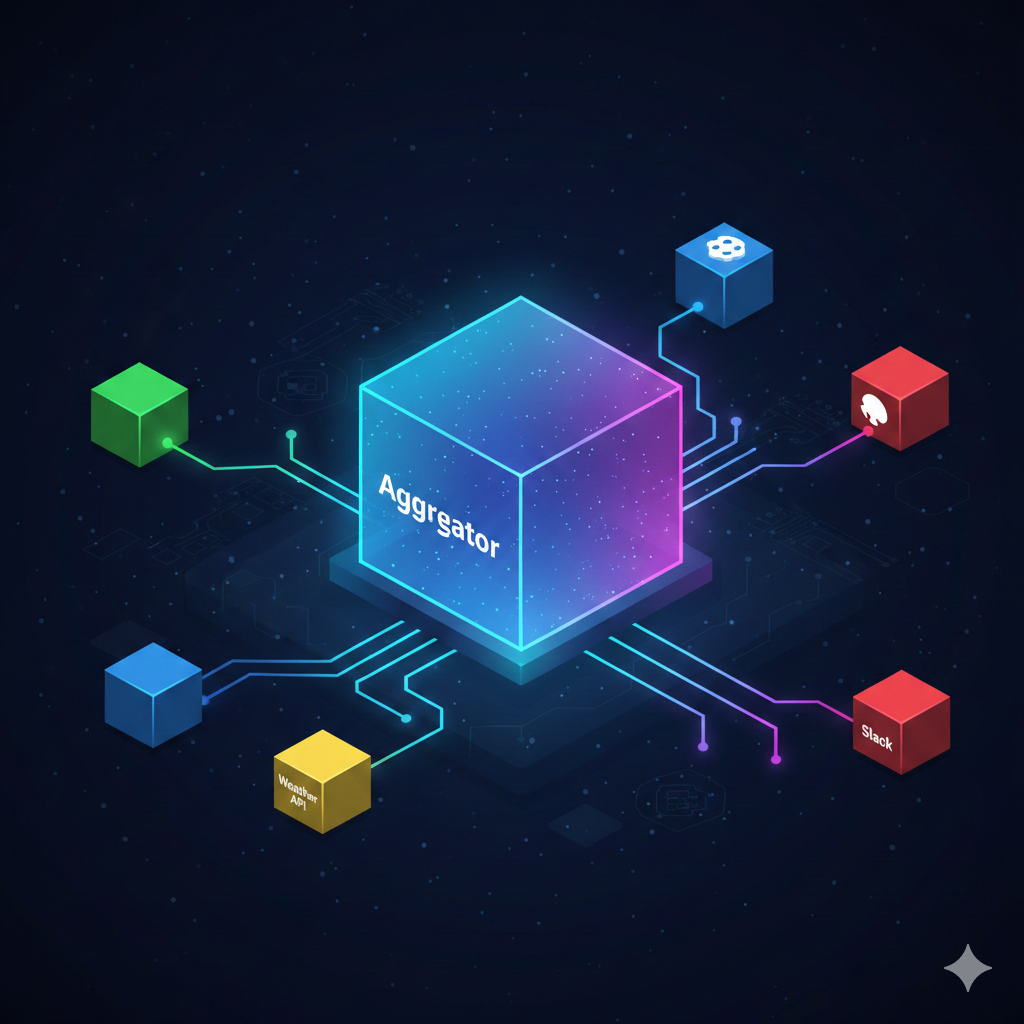
The mcp-aggregator acts as a gateway between your AI tools and all your MCP servers. Instead of each tool connecting to every server directly, each tool connects to the aggregator. The aggregator manages all the downstream server connections.
Your AI tool configuration goes from this:
{
  "mcpServers": {
    "database": { "command": "..." },
    "docs": { "command": "..." },
    "internal-api": { "command": "..." },
    "jira": { "command": "..." }
  }
}
To this:
{
  "mcpServers": {
    "aggregator": { "url": "http://localhost:8080/mcp" }
  }
}
One connection. All your servers are still available, but the aggregator handles the routing.
My Scenario
I typically move between three (or more) different client devices. On each device I run three or more LLM client tools. This is a lot of MCP json config files to maintain manually! And a lot of security keys to juggle.
And I started using nanobot, an agent inspired by OpenClaw. One core philosophy behind nanobot is isolation - keeping the agent separate from tools it might use. MCP Aggregator follows that philosophy as well, with the idea that nanobot (or other LLM clients) can talk to the aggregator, and the aggregator manages what remote MCP servers are available, including their credentials, etc. So your LLM client (including nanobot) don’t have those security keys or URLs or anything.
From my understanding, the OpenClaw world is less excited about MCP support, which is why MCP Aggregator also supports a REST API that mirrors the MCP capabilities. So if you don’t like MCP and prefer simple API calls you are all set.
Now, instead of managing my MCP server registrations 12 or more times across different devices and apps, I manage them in one location. So much simpler!
Lazy Loading and Idle Timeout
One of the design decisions I’m most pleased with is lazy loading. The aggregator doesn’t connect to a downstream server until someone actually calls one of its tools. If you have ten servers registered but only use two during a session, only two connections get opened.
And connections don’t stay open forever. After a configurable idle timeout (30 minutes by default), unused connections are automatically closed. They’ll reconnect seamlessly the next time a tool is invoked.
This means the aggregator is efficient by default, without any manual connection management.
Dynamic Registration
You can add and remove MCP servers at runtime without restarting anything. The aggregator exposes both MCP tools and a REST API for server management, so you can register a new server with a simple API call or even have your AI tool do it for you.
This is particularly useful in environments where servers come and go, or when you’re experimenting with new MCP servers and don’t want to restart your AI tools every time. Also, when you use multiple client devices, because you only need one MCP configuration per device per LLM client.
Because some MCP servers expose lengthy documentation in their descriptions, mcp-aggregator supports the use of an LLM to read and summarize MCP server descriptions as they are registered, ensuring that the top-level descriptions provided by mcp-aggregator to your LLM client are short and concise. The client LLM can then get all the details on-demand, but we protect that precious LLM context memory even if you have a lot of MCP servers, or some MCP servers with lengthy description text.
Skill Documents
One feature that emerged from real usage is skill documents. These are markdown files that describe when and how to use a particular server’s tools. Think of them as instructions that help the AI make better decisions about which server to call for a given task.
When an AI tool asks the aggregator what’s available, it gets back concise summaries. When it needs more detail, it can drill down into a specific server’s full tool schemas or read its skill document. This two-step discovery process keeps the initial response small while still providing rich information when needed.
These skill documents can be provided by an MCP server author, or you can have your LLM explore an MPC server once and store its own skill document with mcp-aggregator so future uses (by all your LLM clients) will have access to that valuable document.
Built with .NET
The aggregator is built with .NET 10 and is available as both a stdio server (for direct integration with tools like Claude Code) and an HTTP server (for shared/networked deployments). There are also Kubernetes manifests if you want to run it in a cluster.
The project is open source under the MIT license at github.com/MarimerLLC/mcp-aggregator. If you’re juggling multiple MCP servers across multiple AI tools, give it a try.
Hosting
Because the aggregator is built with modern .NET 10, it can run on Linux, Mac, and Windows.
You can host it locally via stdio (for simple one-PC scenarios), or on your private network. I like hosting in my personal Kubernetes cluster so it is available to my other pods and all my PCs and devices on my network.
Future
This is a first release, and I’m sure it will improve over time. Some ideas I have already include multi-user support (right now this is designed for use by a single user), authentication keys so the server could be hosted on the public Internet, and I fully expect to discover more features that would be beneficial as I (and others) use this tool.