Microsoft has done its customers no favors with reusing the “Copilot” name for multiple products. I honestly don’t know how many different Copilots are out there now.
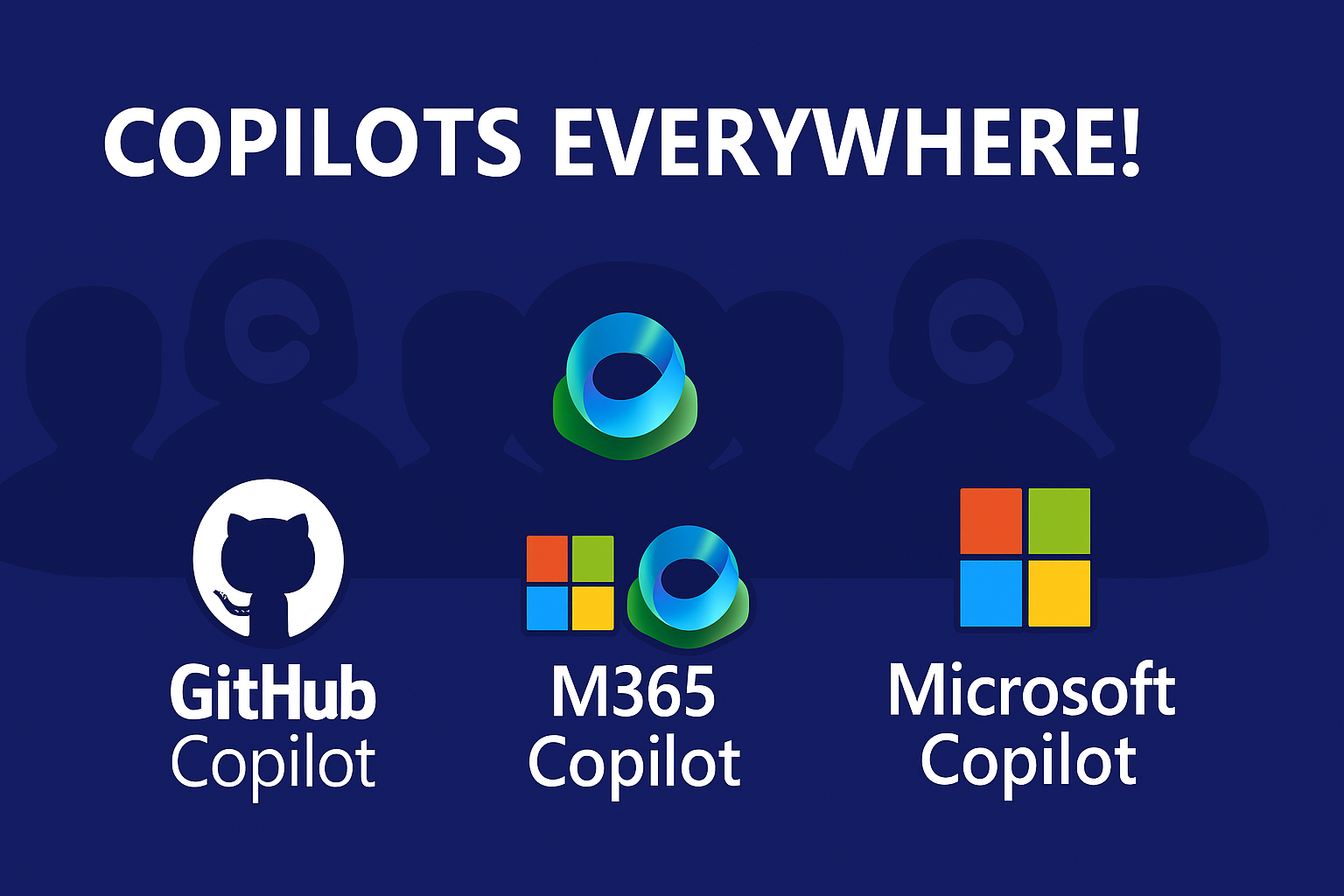
The big three, and the focus of this post, are:
- GitHub Copilot - Provides access to developer-focused AI within various GitHub environments, including vscode and Visual Studio.
- M365 Copilot - Provides access to AI-driven productivity tools and services within Microsoft 365, such as email, calendar, and Office tools like Excel. Focused on professional productivity and collaboration.
- Microsoft Copilot - A consumer-focused AI assistant that sits over the top of the latest GPT model. It is available as an app on nearly every platform and device, and is designed to be used in a variety of contexts, including personal and professional settings.
A lot of people don’t know that there are at least three different Copilots out there. I think it’s important to clarify the differences between them, as they serve different purposes and have different use cases.
GitHub Copilot
GitHub Copilot is available within the GitHub web experience, Visual Studio Code (vscode), and Visual Studio.
The purpose of GitHub Copilot is to boost the productivity of developers or related IT professionals. It can answer questions, provide code snippets, and in Agent mode even create code or execute commands on your PC or servers.
This is not a consumer-focused AI assistant. It is designed to be used by developers and IT professionals to enhance their productivity in a development environment.
M365 Copilot
M365 Copilot is available within Microsoft 365, which includes Office tools like Excel, email, calendar, and more. It is designed to enhance productivity and collaboration for professionals.
In my experience, it is most useful for answering questions that require access to your email, calendar, SharePoint, and OneDrive within M365.
In theory it can help with tasks in Word, Excel, and PowerPoint, but in practice I have found it to be nearly useless for this purpose. Generally speaking, this Copilot can’t manipulate existing documents, and so you can’t use it to boost your productivity in a meaningful way.
Perhaps this is because I’m used to use GitHub Copilot, which is amazing in terms of its abiltiy to create and edit code files, and perform related tasks.
Microsoft Copilot
Microsoft Copilot is a consumer-focused AI assistant that is available as an app on nearly every platform and device. It is designed to be used in a variety of contexts, including personal and professional settings.
You can think of this Copilot as a competitor to Gemini, ChatGPT, and Claude. It is a general-purpose AI assistant that can help with a wide range of tasks, from answering questions and providing information to helping with writing, coding, and more.
If you have an M365 Family subscription, you have access to more advanced features, but the basic version is available to anyone with a Microsoft account.
You can use Microsoft Copilot to discuss nearly any topic, ranging from recipies and cooking, to automotive repair, to personal finance, to writing software, and more. It is a versatile tool that can be used in a variety of contexts.
It is not focused on writing software and doesn’t have access to your work email, calendar, or files. It can have access to your personal OneDrive and Google Drive files and your outlook.com and gmail.com email and calendars.
Summary
I use all three of these Copilots daily, usually many times every day.
I use GitHub Copilot to write code, answer questions about code, and perform related tasks in a development environment.
I use M365 Copilot to answer questions and perform tasks within Microsoft 365, such as accessing my email, calendar, and files.
I use Microsoft Copilot for a wide range of tasks, from answering questions and providing information, to helping with guidance on how to repair things around my house.
Microsoft’s various Copilots are each useful in their own way. I wrote this post to help clarify the differences between them and to help others understand how they can use these tools effectively in their own workflows.